Serving Newaygo & West Michigan231-303-1410

Simple from start to finish

How trailer rental works

Know exactly what to expect from online booking through pickup, photos, access, and final return.

One link for the whole rental

Keep your confirmation handy.

Your confirmation page is the home base for required agreements, pickup, access instructions, changes, and return. If you lose it, tap My booking and sign in with a one-time code sent to the email used at checkout. Customers use their phone browser—there is no app to download.

01

Choose dates and book

Select your pickup and return times, review the price and trailer details, enter your contact information, accept the checkout terms summary, and pay securely online.

02

Open your confirmation

After payment, keep the confirmation email or open My booking with the same email address. Your confirmation page is the home base for every remaining rental step.

03

Finish pre-pickup requirements

Before pickup, review and accept the full rental terms. If your confirmation requests identity or insurance verification, complete it on your phone before access details become available.

04

Prepare your tow vehicle

Bring a properly rated tow vehicle, valid driver’s license, your own insurance, a 2 5/16-inch ball, round 7-pin plug, and all required towing and cargo-securement equipment.

05

Complete pickup

At the scheduled time, open your confirmation and tap Start Pickup. Follow the location directions, answer the short checklist, take any requested before photos, and follow the access instructions shown for your rental.

06

Tow and use it safely

You are responsible for safe towing, proper loading, weight distribution, cargo securement, legal use, and the trailer’s condition throughout the rental.

07

Return and document

Return the trailer to the agreed location by the scheduled time. Open your confirmation, tap Start Return, secure the trailer, answer the return questions, and take any requested after photos.

08

Tap Complete Return

The rental stays open until all required return steps and photo uploads are finished and you tap Complete Return. Your answers and photos are saved with the booking for JH Trailer Rental to review.

If something will not open

Check these three things.

01

Use the correct email

My booking sends a one-time code to the email address entered during checkout.

02

Finish Next Steps

Terms, verification, payment, and pickup timing can keep pickup or access details locked.

03

Use Safari or Chrome

Allow camera access and keep the page open until every required photo shows as uploaded.

Need an assisted rental?

Phone bookings and no-smartphone customers are welcome.

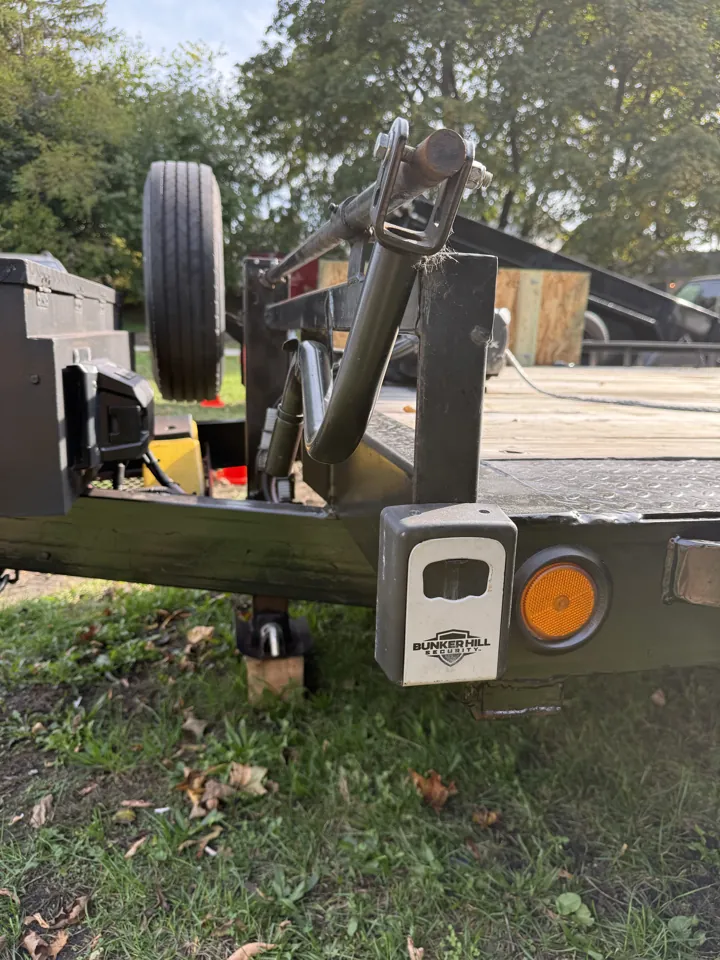
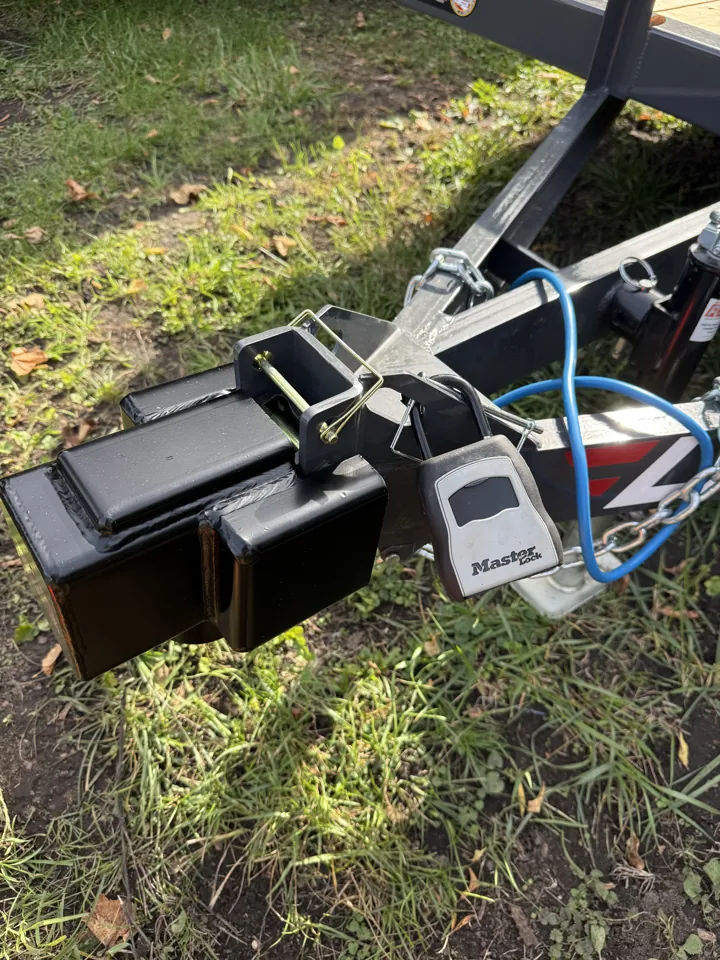
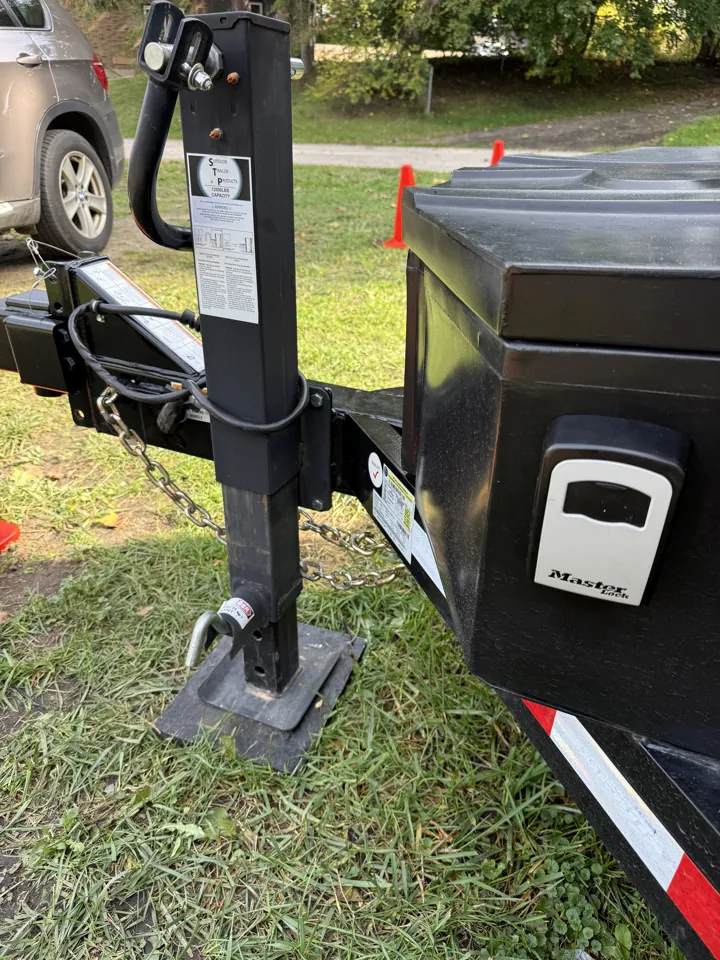
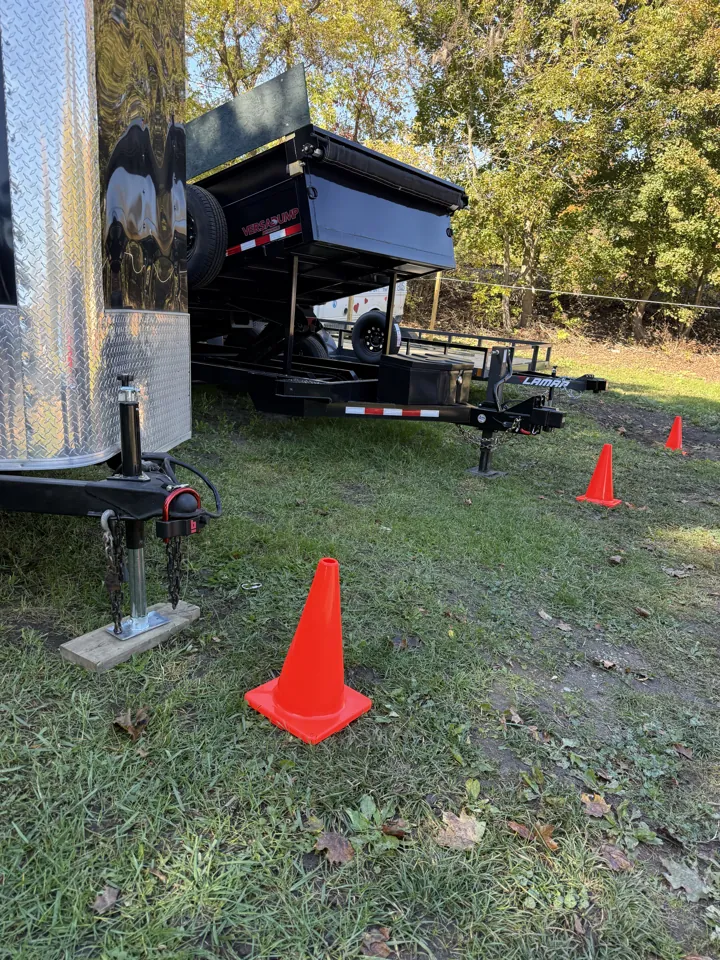
Call before pickup. JH Trailer Rental can complete payment, agreement, pickup photos, and return documentation with the customer using our device.

Arrange an assisted appointment

Before you begin

Make sure your tow setup is ready.

Review requirementsRead FAQs